Method to Download and Setup DDoS Simulation Tools
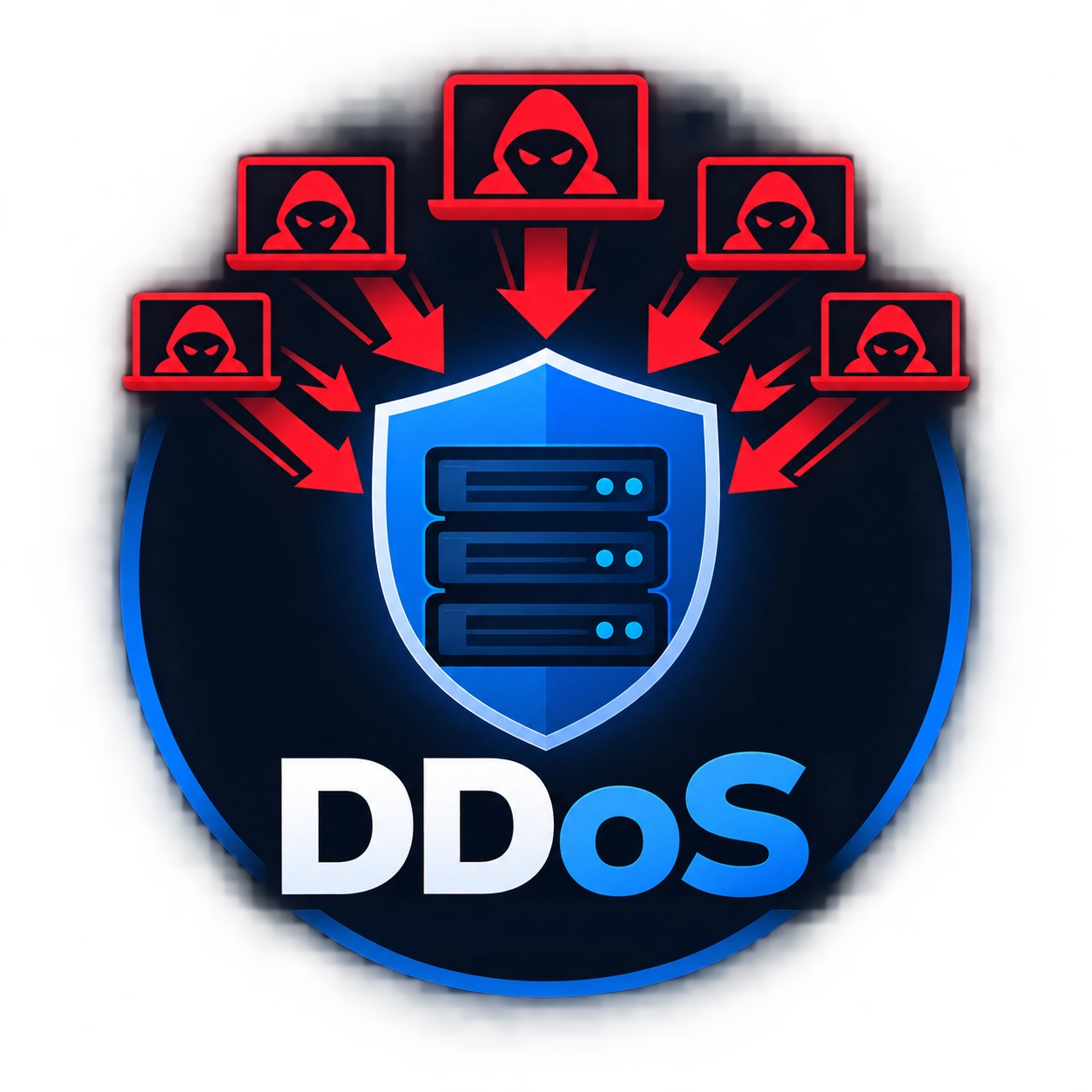
You cannot download a DDoS attack directly because an attack is a malicious network event. However, engineers download authorized DDoS testing tools to evaluate server strength. These tools simulate controlled DDoS traffic inside private networks safely. Security teams use simulation software to fix vulnerabilities before real cybercriminals strike your servers.
- Obtain written authorization before downloading or running network testing software.
- Use isolated virtual machines or local test environments to prevent network damage.
- Download tools only from trusted, open-source repositories like GitHub.
- Verify file hashes to ensure your download contains no hidden malware.
- Keep system firewalls active during initial setup and tool testing.
Windows PC Setup
Windows PC requires Python and Git utilities to run simulation scripts smoothly. Security developers regularly use Windows PC to analyze local network stress levels. Running a DDoS simulator on Windows PC helps administrators identify open port limits. Proper installation prevents accidental crashes during DDoS capacity evaluations on local hardware.
- Download and install the latest official Python setup package for Windows PC.
- Check the option to add Python directly to system environment variables during setup.
- Download Git for Windows PC to manage open-source code repositories effortlessly.
- Open Command Prompt as Administrator and clone the chosen tool repository.
- Install required script libraries using the standard PIP command installer.
- Run the script targeting isolated loopback IP addresses for safe validation.
macOS (Mac) Setup
macOS provides a powerful native command terminal interface for security testing. Mac users can run Python-based DDoS test scripts inside virtual environments. Developers use macOS to measure how networks handle unexpected DDoS traffic spikes. Safe setup ensures macOS systems stay stable during internal DDoS stress tests.
- Launch the native Terminal app inside the macOS Utilities directory.
- Install Homebrew package manager to handle development dependencies easily on macOS.
- Download Python 3 and Git using standard Homebrew terminal commands.
- Clone the selected security testing repository directly into a new folder.
- Create a isolated Python virtual environment to keep core system files clean.
- Execute the test script using internal local network addresses for monitoring.
Linux Setup (Ubuntu, Debian, Kali)
Linux operating systems offer built-in packet management ideal for security engineers. Security analysts run low-level DDoS simulation programs directly inside Linux terminals. Linux tools analyze real-time DDoS mitigation performance under heavy packet loads. Understanding Linux setup helps administrators block synthetic DDoS traffic streams efficiently.
- Launch your preferred Linux terminal application on your desktop or server.
- Run system update commands to refresh repository package lists completely.
- Download core build essentials including Python 3, PIP, and Git tools.
- Clone the target stress-testing repository from verified developer repositories.
- Grant executable file permissions to main script files using basic terminal commands.
- Launch the Python script with root privileges to send test packet loops.
Android Setup
Android smartphones can execute lightweight Python network tools using terminal emulators. Network technicians use Android devices to test local Wi-Fi router resilience against DDoS pressure. Running a DDoS test on Android demonstrates how portable hardware handles sudden DDoS surges. Always test Android tools within isolated private networks to protect carrier lines.
- Download the Termux terminal emulation app from trusted Android software repositories.
- Launch Termux on your Android device and update base system packages immediately.
- Install Git and Python packages using built-in Termux package installer commands.
- Clone the Python-based network script into your local Android terminal storage.
- Navigate into the downloaded folder using standard terminal navigation commands.
- Execute the simulation script connected exclusively to private local Wi-Fi networks.
iOS and Smart Device Setup
iOS limits direct terminal execution, so users require remote server connections. Systems administrators use iOS SSH clients to control remote DDoS simulation environments. Managing a remote DDoS server from iOS allows real-time control over internal DDoS experiments. This setup keeps mobile hardware safe while controlling enterprise-level network tests.
- Open the Apple App Store on your iOS device.
- Install a secure command-line SSH client app like Termius or iDOS.
- Configure remote connection credentials for your isolated cloud test server.
- Connect securely to your remote Linux test environment using SSH protocols.
- Clone testing tool repositories directly on your isolated remote Linux server.
- Monitor live simulation output securely on your iOS mobile screen.